
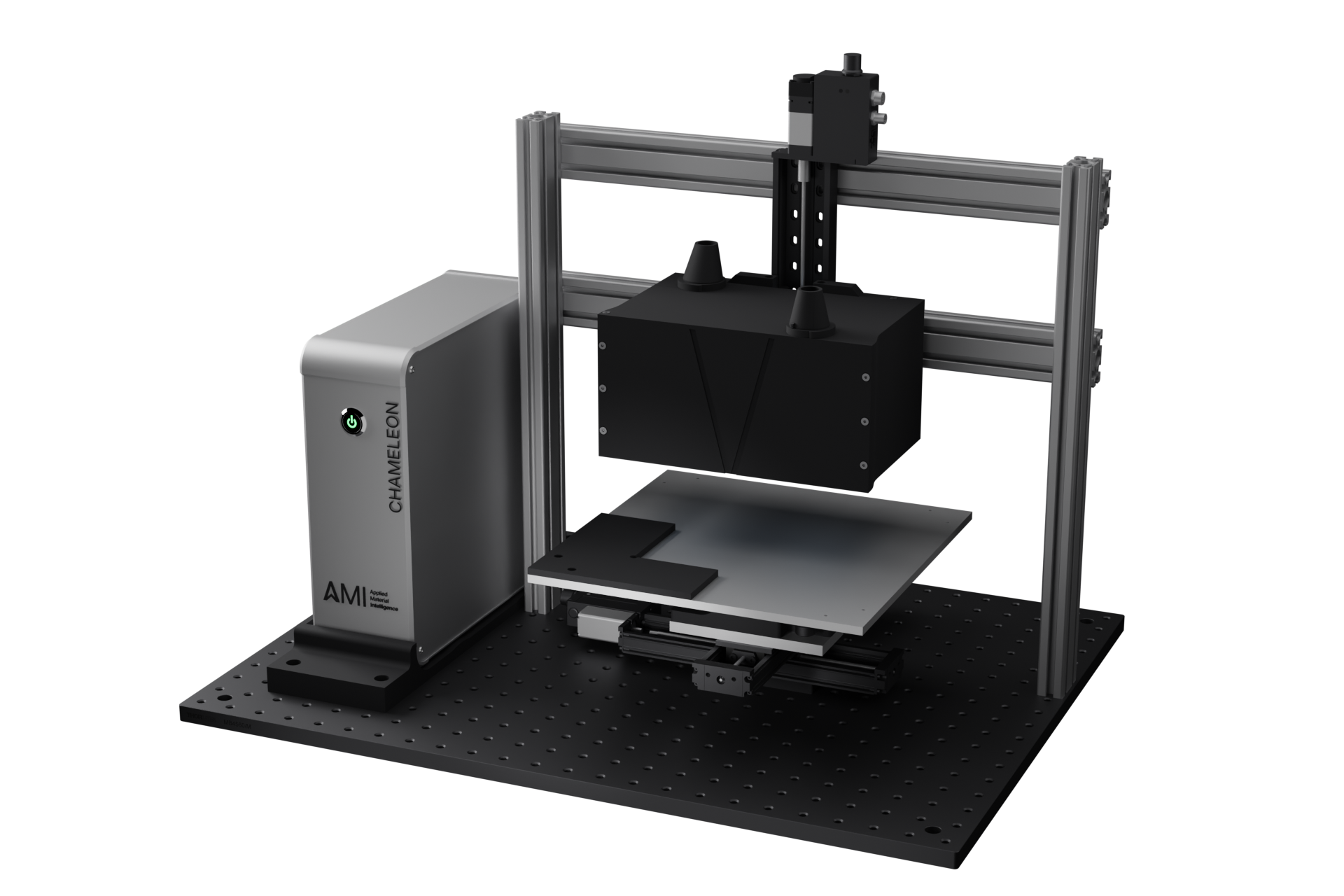
Chameleon

The sensing and analysis platform for non-destructive material inspection.

Place the sample, define the scan, and get back a thickness number, a layer breakdown, or a map.

Chameleon terahertz measurement system

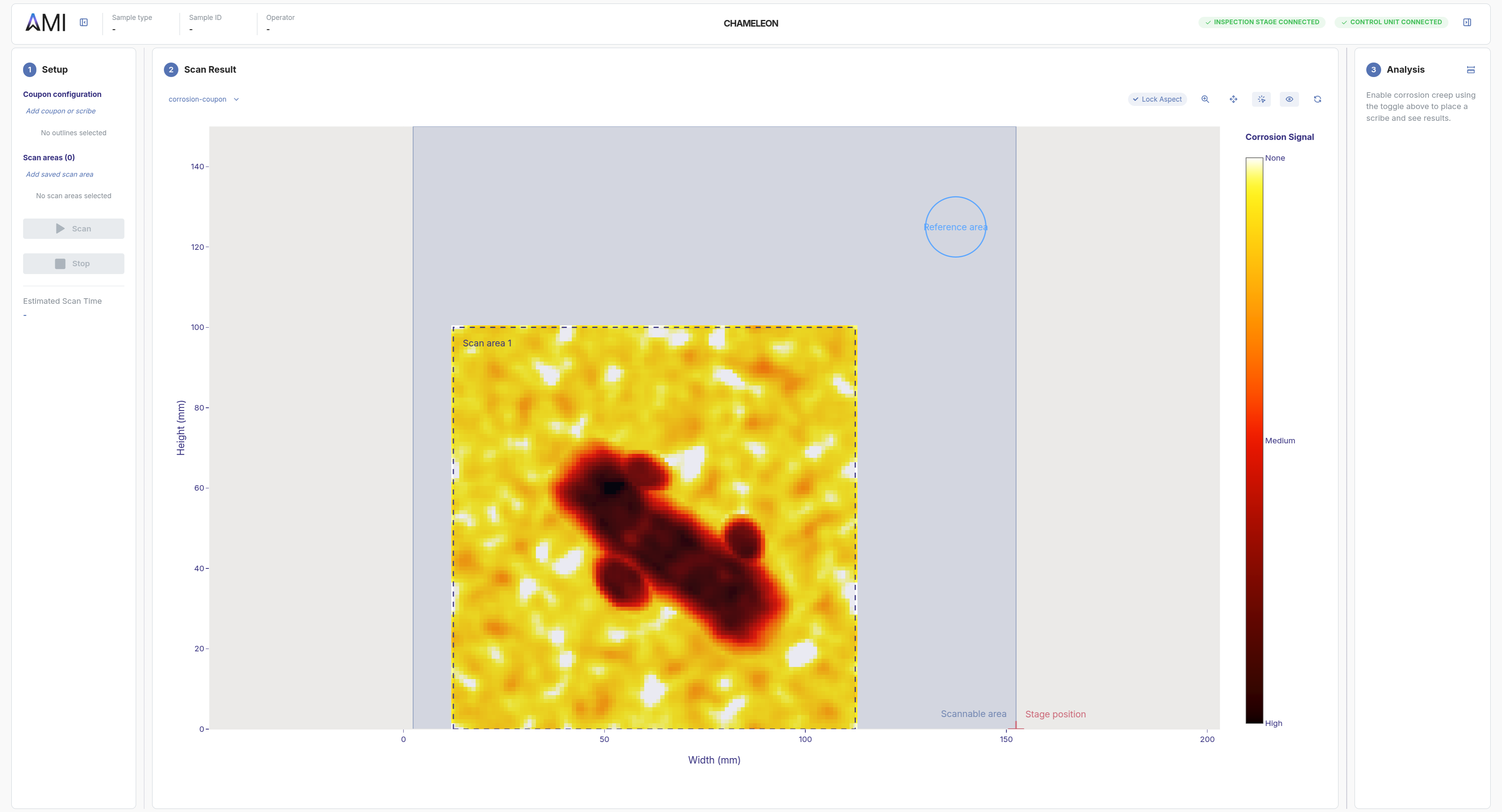
Operate Chameleon from one app

Configure your scans, run them, and analyze every measurement in a single interface tuned to your inspection workflow.

The AMI app showing a completed corrosion scan with the Setup, Scan Result, and Analysis panels visible

One workflow, tuned to your sample and your question

We adapt every part of the workflow to your application, from the sample holder to the analysis tab. Each step is built so your team can extract exactly what they need to know.

Sample

Made to fit your part

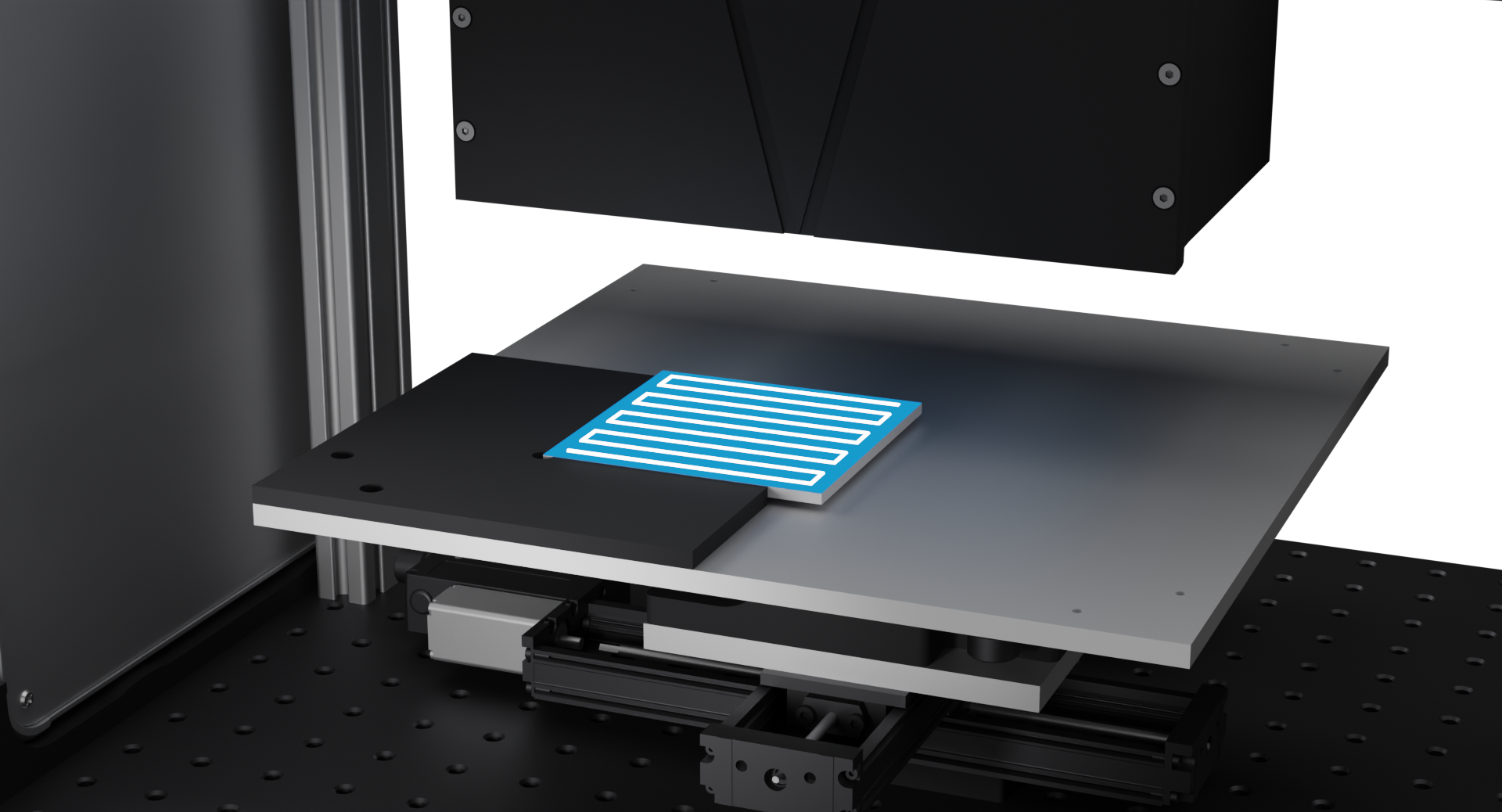
Each Chameleon ships with a sample holder shaped to your part, so your sample lands exactly where it needs to, every time. The holder mounts on a motorized 3D stage with ~20×20×10 mm of travel, extendable or shortened to match your application.
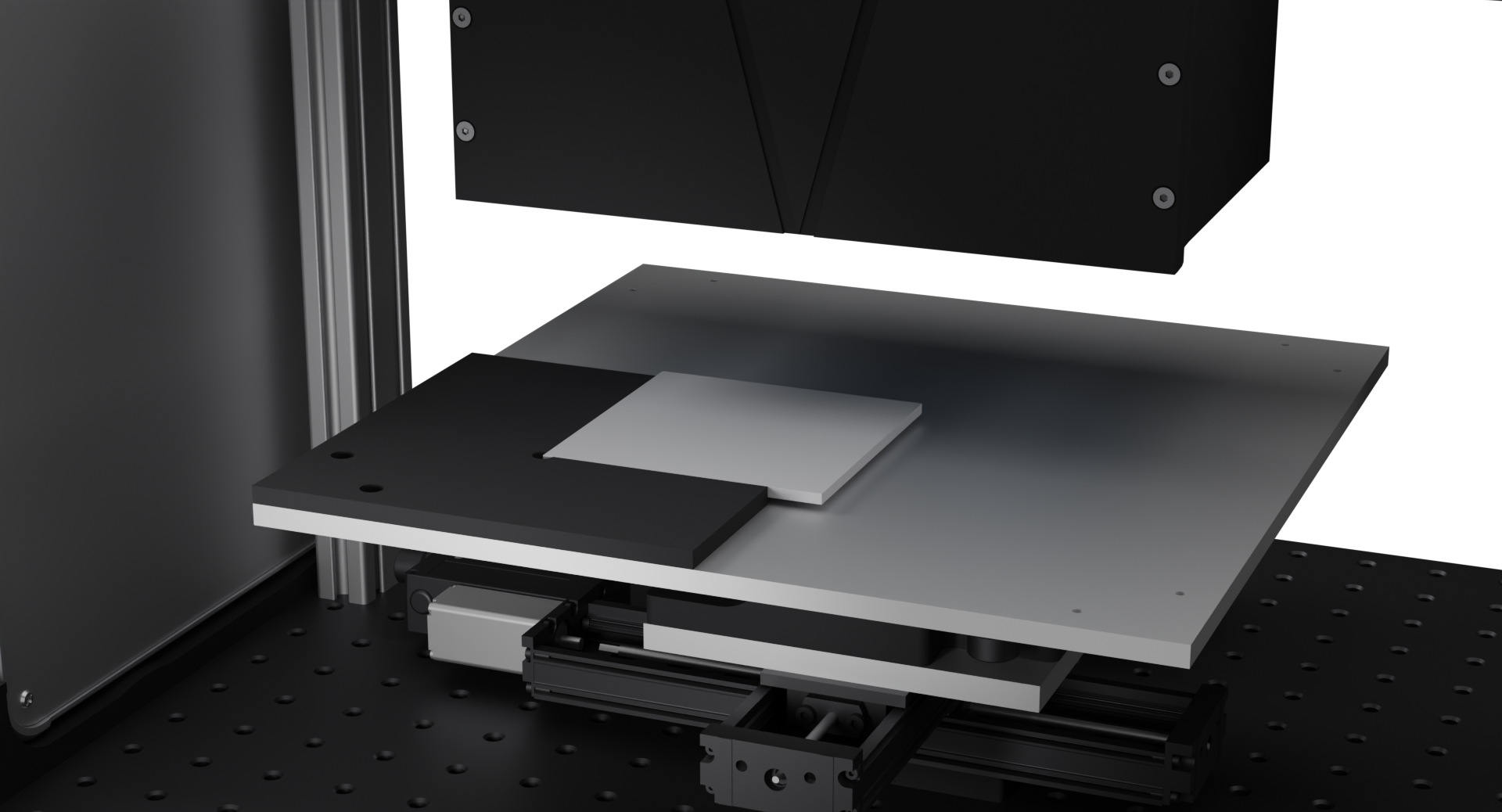
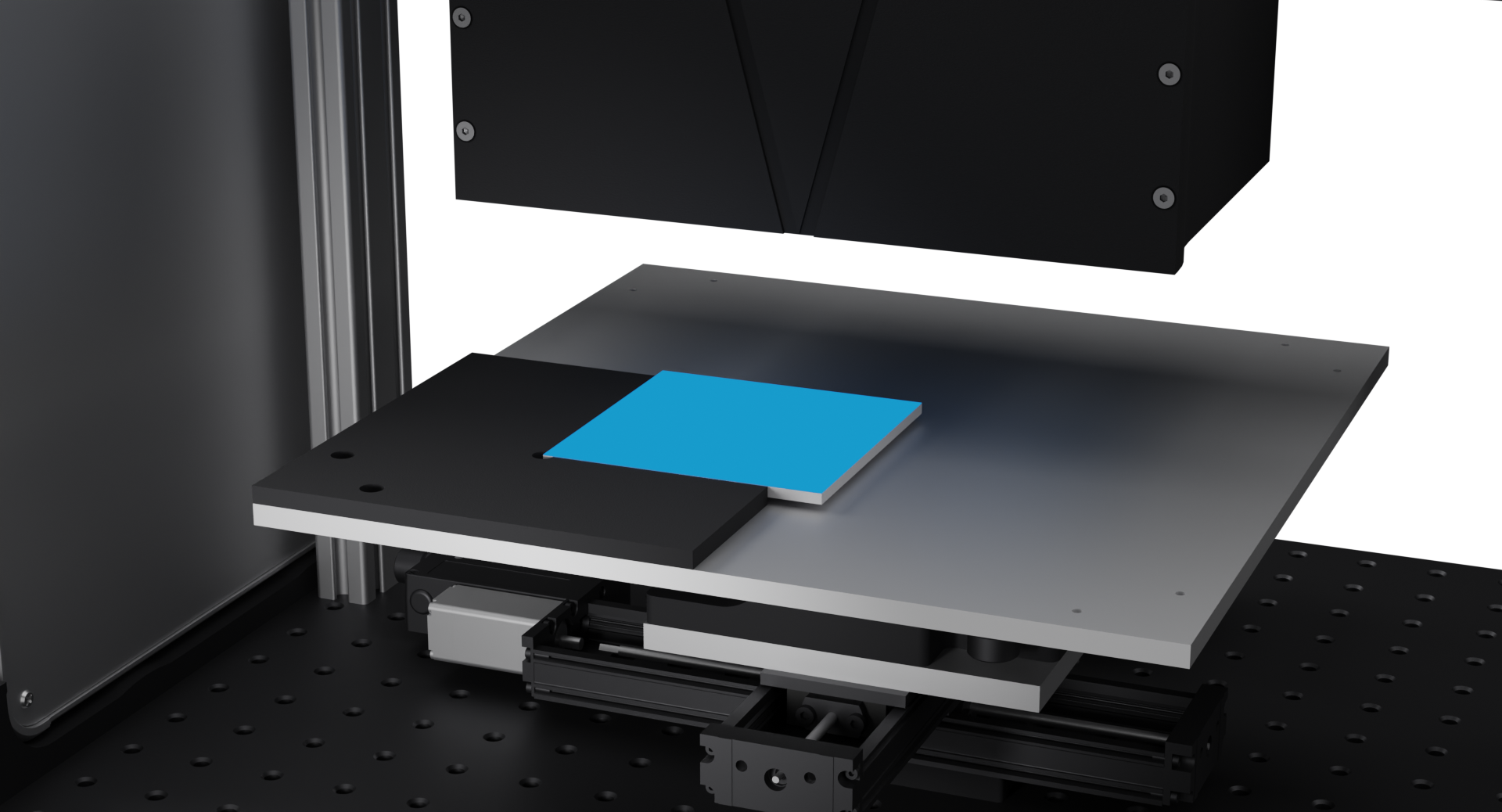
Chameleon sample plate with a 3D-printed holder and a sample loaded
Configure

Define your scan with confidence

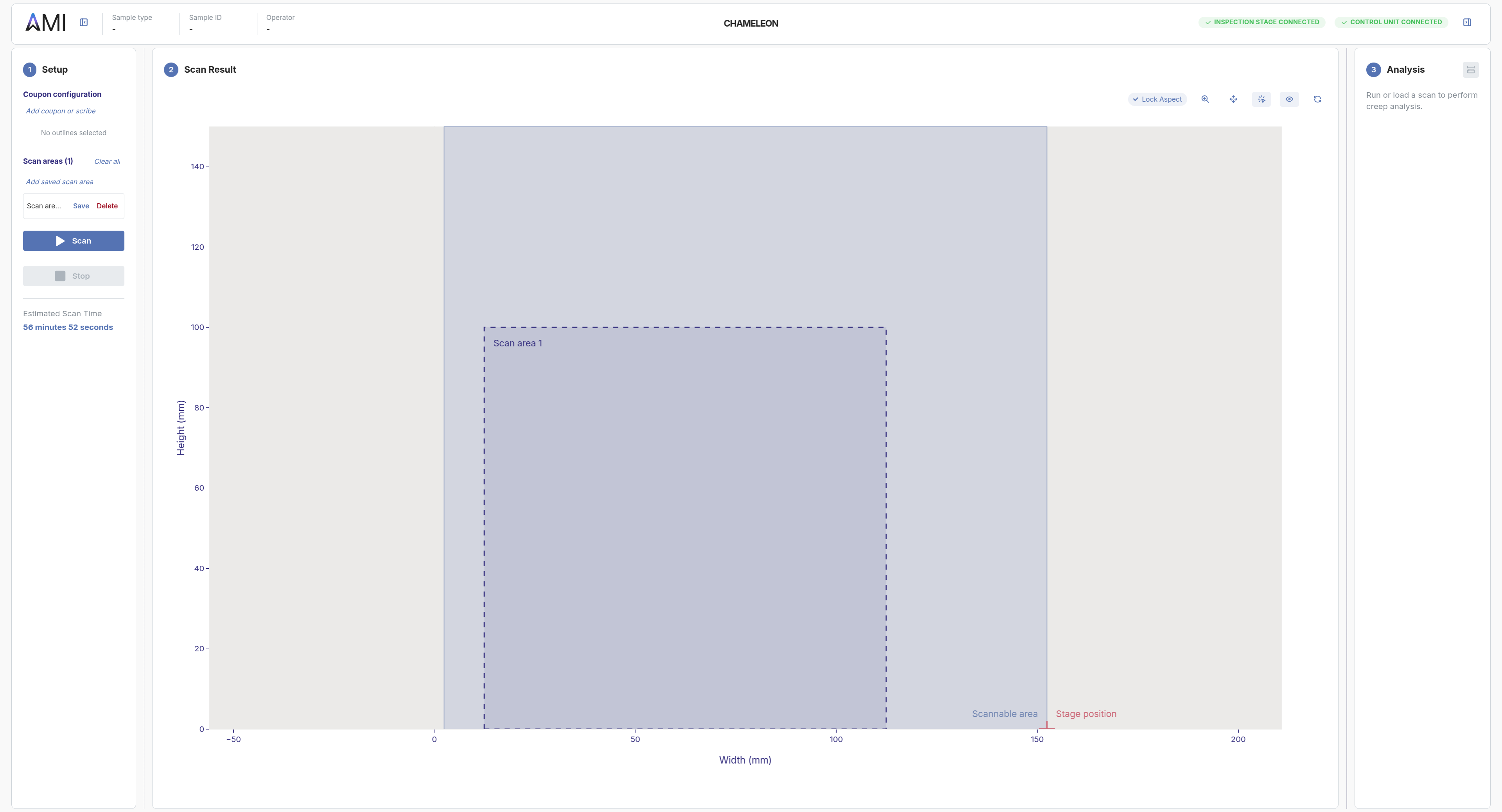
Plan the run inside the software. A custom overlay shaped to your sample gives the operator instant confirmation of placement, while the scan pattern (point, line, or plane) is tailored to your part.

Point scans

Line scans

Plane scans

Chameleon device with a scan pattern overlaid on the sample surface
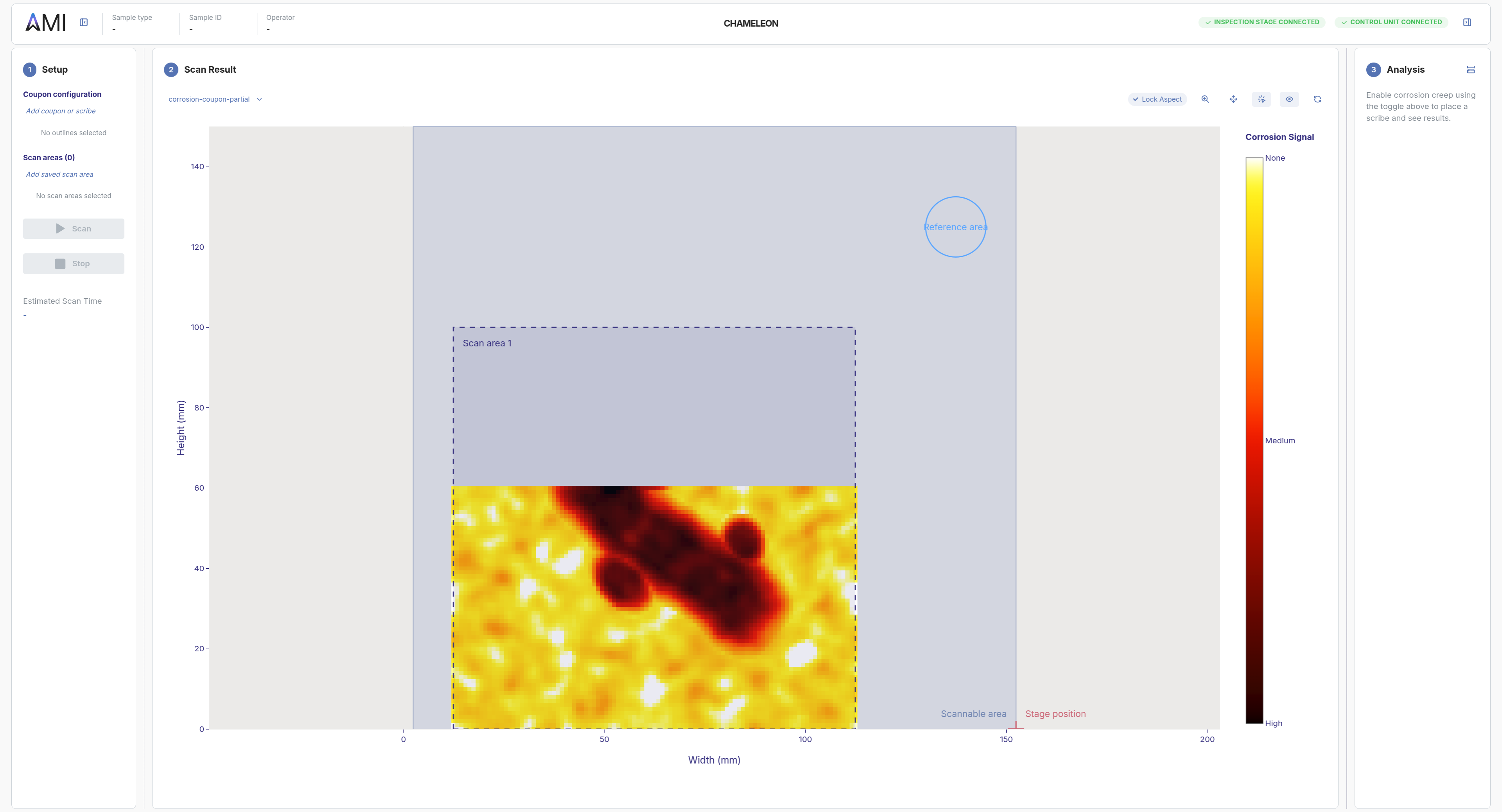
Scan pattern editor in the AMI app: dashed scan area drawn on the Scan Result canvas
Scan

Hardware and software, in lockstep

Now, simply press scan. Chameleon coordinates the stage motion and the terahertz light and signal processing into a single sequence. As it runs, the result fills in live across exactly where you wanted to inspect.

Chameleon system mid-scan: stage offset from home, sensor positioned over the sample
AMI app showing live scan progress: heatmap filling in over the configured scan area
Review, analyze and export

Tuned to your question

When the scan finishes, you get the answer your team is after: layer thickness, corrosion progression, defect maps, whatever your application calls for. We adapt the visualization to your question.

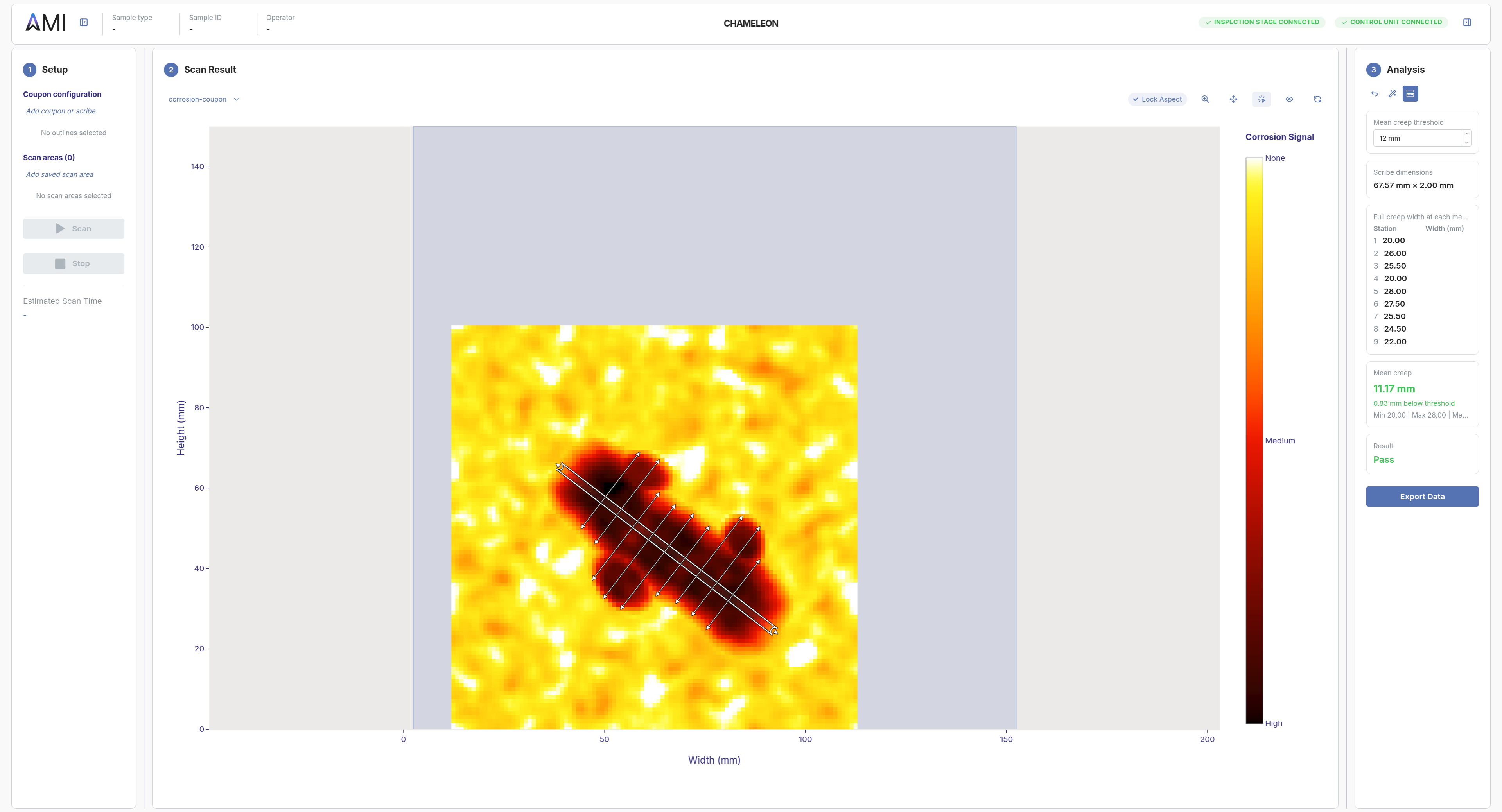
The analysis tab is co-built with your team, with the tools that illustrate exactly what you need to show. Exportable in the format your next step needs: human-readable for review, machine-readable for pipelines.

Analysis canvas with measurement scribes and derived numbers in the Analysis panel

PDF reports

CSV data

Made to fit your part

Each Chameleon ships with a sample holder shaped to your part, so your sample lands exactly where it needs to, every time. The holder mounts on a motorized 3D stage with ~20×20×10 mm of travel, extendable or shortened to match your application.
Chameleon sample plate with a 3D-printed holder and a sample loaded

Define your scan with confidence

Plan the run inside the software. A custom overlay shaped to your sample gives the operator instant confirmation of placement, while the scan pattern (point, line, or plane) is tailored to your part.

Point scans

Line scans

Plane scans

Chameleon device with a scan pattern overlaid on the sample surface
Scan pattern editor in the AMI app: dashed scan area drawn on the Scan Result canvas

Hardware and software, in lockstep

Now, simply press scan. Chameleon coordinates the stage motion and the terahertz light and signal processing into a single sequence. As it runs, the result fills in live across exactly where you wanted to inspect.

Chameleon system mid-scan: stage offset from home, sensor positioned over the sample
AMI app showing live scan progress: heatmap filling in over the configured scan area

Tuned to your question

When the scan finishes, you get the answer your team is after: layer thickness, corrosion progression, defect maps, whatever your application calls for. We adapt the visualization to your question.

The analysis tab is co-built with your team, with the tools that illustrate exactly what you need to show. Exportable in the format your next step needs: human-readable for review, machine-readable for pipelines.

Analysis canvas with measurement scribes and derived numbers in the Analysis panel

PDF reports

CSV data

Review whether the workflow fits your sample and technical question

We can help assess whether your material system is a fit, what scan mode makes sense, and what kind of output to expect from the workflow.